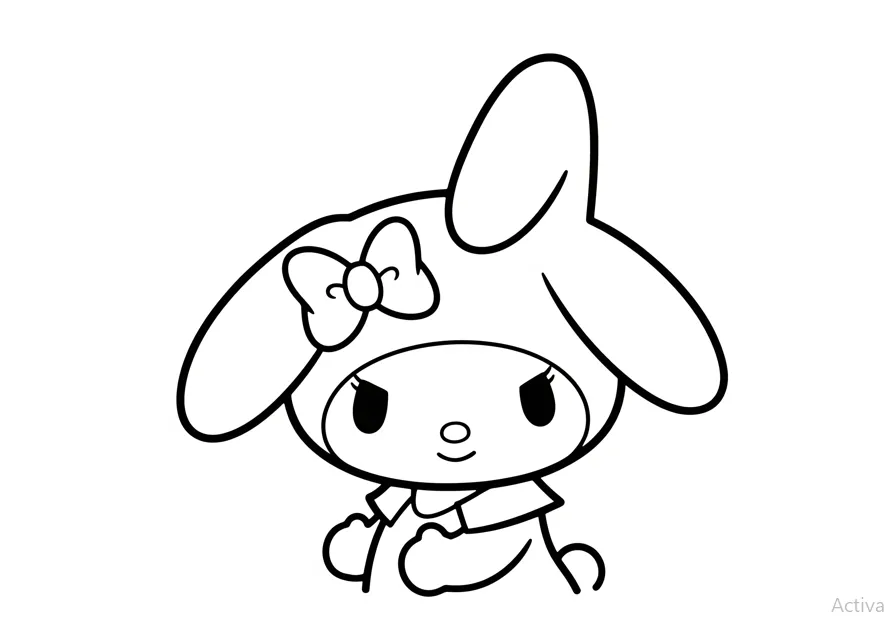
Learn To make Coloring Book Page from a Photo: A Creative Guide
Learn how to make a coloring book page from a photo and turn your favorite images into unique coloring designs.Use free tools like Photopea or GIMP to convert photos into line art by adjusting contrast and applying sketch filters.
Start with a high-resolution image, like a family portrait or nature shot, for best results. Explore our DIY coloring tutorials for step-by-step tips.
How to make a coloring book page from a photo is simple with the right tools and techniques. Increase brightness, desaturate the image, and use edge detection to create bold outlines, as explained on Canva. This process is perfect for crafting personalized gifts or kids’ activities.
Apps like Adobe Express also simplify how to make a coloring book page from a photo. Check our printable coloring guides for additional resources and ideas.
Master how to make a coloring book page from a photo to unleash your creativity. Visit our free DIY crafts section to start creating today!
Have you ever wished you could turn your favorite photo into a coloring page? Maybe it’s a picture of your kid’s adorable pet, a family portrait, or a beautiful travel snapshot. Whatever the photo, making a coloring book page from it is easier than you might think—and it’s a great way to create personalized gifts or just have some creative fun at home.

Why Turn Photos into Coloring Pages?
Coloring pages made from your own photos add a personal touch that you just can’t get from store-bought books. They’re perfect for parties, gifts, or even just relaxing on a rainy afternoon. Plus, kids love coloring familiar faces and places—it makes the activity more engaging and meaningful.
Step 1: Pick the Right Photo
Start by choosing a photo that has clear, simple shapes and good contrast. A picture with a busy background might make it tricky to get clean outlines, so something with a plain or blurred background usually works best. For example, a close-up of a smiling face or a pet against a simple backdrop is ideal.
Step 2: Convert Your Photo to a Sketch
Now comes the fun part! You can turn your photo into a coloring page using free online tools or apps. Here are two easy options to try:
- LunaPic: Head over to LunaPic, upload your photo, and use the “Sketch” or “Outline” filter. It’s super straightforward and you’ll see your photo turn into a pencil drawing in seconds.
- RapidResizer: Visit RapidResizer’s photo to sketch tool to upload your image and get a neat outline perfect for coloring.
If you like working offline, free programs like GIMP let you do the same with a bit more control.
Step 3: Clean Up Your Sketch
Sometimes the automatic sketch isn’t perfect—it might have extra lines or fuzzy edges. Don’t worry! You can tidy it up by erasing stray marks or thickening faint lines using simple editing tools. If you want, add a plain white background to make your outlines pop.
Step 4: Resize and Format for Printing
Make sure your coloring page fits standard paper sizes like 8.5” x 11” (letter size) or A4. Center your image nicely on the page and save it as a high-quality PDF or JPG. This way, your printed page will look crisp and clear.
Bonus Tips for Great Coloring Pages
- Keep details simple—too many tiny lines can be tricky to color.
- Try printing a test page and color it yourself to see if it’s fun and easy.
- Add fun borders or captions to personalize your page even more.
Want to Learn More?
If you’re excited to dive deeper into this creative process, check out our detailed guide on how to make a coloring book page from a photo. You’ll find extra tips, tricks, and inspiration to help you create beautiful, custom coloring books.
Wrapping It Up
Creating a coloring book page from your photos is a fun way to bring your memories to life. With just a few clicks and a little creativity, you can make something truly special that friends and family will love. So grab your favorite photo, try out one of the tools mentioned above, and start coloring your world today!