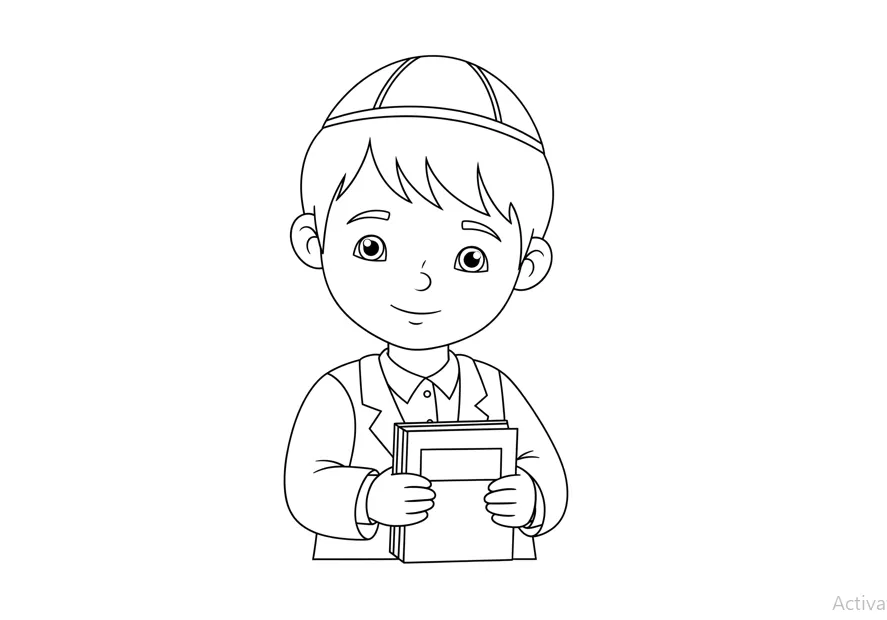
How Can I Turn a Photo into a Coloring Page? A Simple Guide for Everyone
Have you ever looked at a photo and thought, “Wouldn’t it be fun to color this?” Maybe it’s a picture of your kid’s favorite pet, a memorable vacation snapshot, or a family portrait you’d love to bring to life in a new way.
The good news is—you absolutely can turn any photo into a coloring page, and you don’t need to be a professional artist or have fancy software to do it.
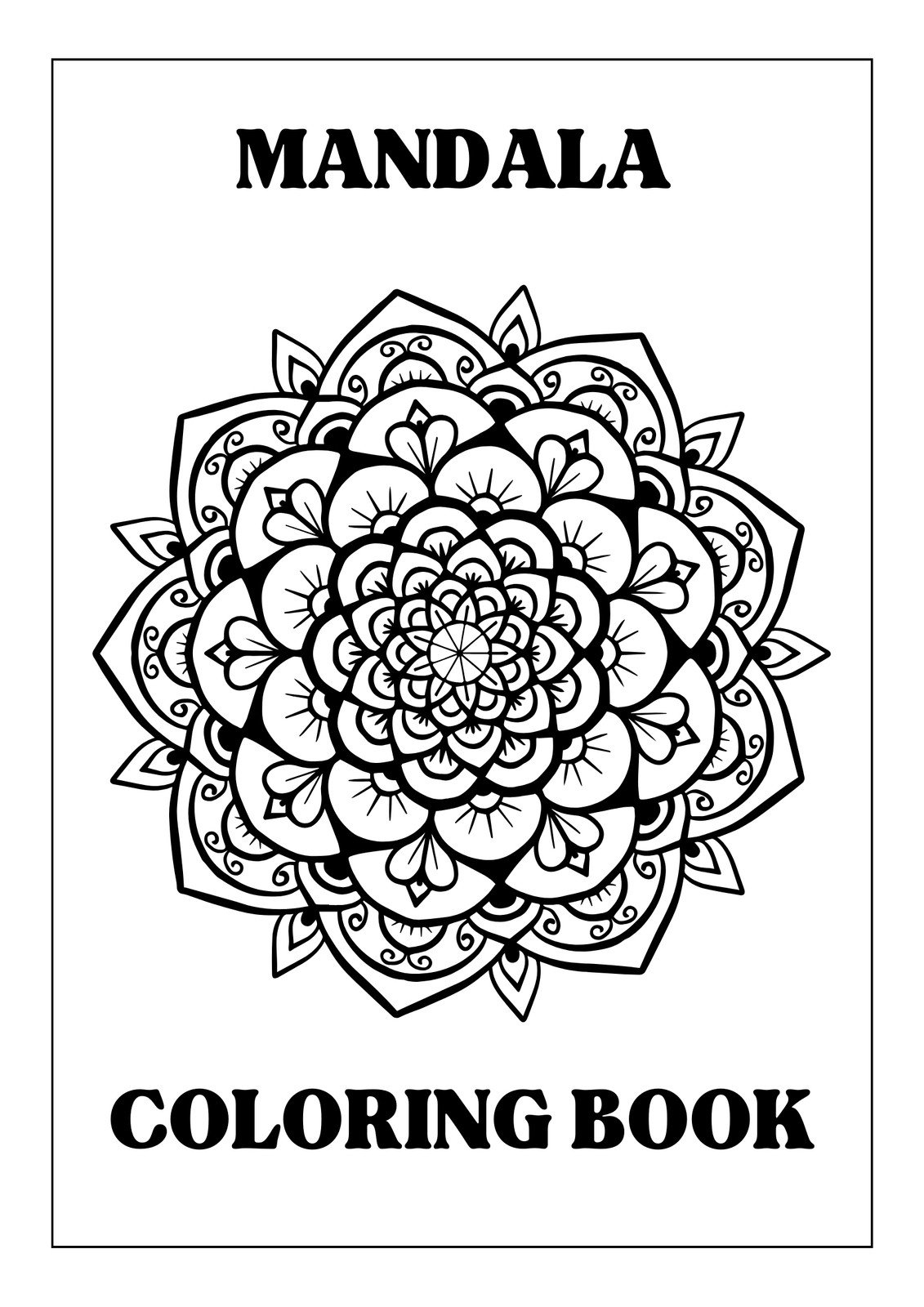
Why Turn Photos into Coloring Pages?
Coloring pages made from your own photos are a fantastic way to personalize your creative projects. They make unique gifts, fun activities for kids, or even relaxing art therapy for adults. Plus, coloring something familiar feels extra special and meaningful.
Step 1: Pick the Perfect Photo
Start by choosing a photo that has clear shapes and good contrast. Simple backgrounds work best because they help the main subject stand out when you turn it into a coloring page.
For example, a close-up of a smiling face or a pet against a plain background is ideal. Avoid photos that are too dark or blurry, as they can be harder to convert cleanly.
Step 2: Use an Easy Tool to Convert Your Photo
You don’t need expensive software to create a coloring page from a photo. There are plenty of free, user-friendly tools online and apps that do the job for you. Here are some favorites:
- LunaPic: This free online editor lets you upload your photo and apply a “Sketch” or “Outline” effect with just a few clicks. Visit LunaPic to try it out.
- RapidResizer: Another handy online tool, RapidResizer converts photos into clean line drawings perfect for coloring.
- Mobile Apps: Apps like PicsArt or Adobe Photoshop Express have filters that can transform your photos into sketches right on your phone.
Step 3: Clean Up and Customize Your Coloring Page
After converting your photo, you might notice some extra lines or areas that need tidying up. Don’t worry—this is normal! You can erase unwanted marks, thicken faint lines, or simplify details using basic editing tools. If you want, add a plain white background to make your outlines pop. This step helps make coloring easier and more enjoyable.
Step 4: Print and Start Coloring!
Once you’re happy with your coloring page, save it as a high-quality image or PDF. Print it out on regular printer paper or heavier cardstock if you like. Now you’re ready to grab your crayons, markers, or colored pencils and bring your photo to life with color!
Extra Tips for the Best Results
- Keep it simple: Too many tiny details can make coloring frustrating, especially for kids.
- Test print: Print a test page to see how it looks and make any adjustments.
- Get creative: Add fun borders, captions, or doodles around your coloring page to personalize it even more.
Want More Inspiration?
If you want to dive deeper into this creative process, check out our full guide on how to make a coloring book page from a photo. It’s packed with tips, tricks, and ideas to help you create beautiful, personalized coloring pages.
Final Thoughts
Turning a photo into a coloring page is a fun, easy way to get creative and make something truly unique. Whether you’re crafting a gift, entertaining kids, or just trying out a new hobby, this simple process lets you transform your favorite memories into art you can color and cherish. So why not give it a try today?